
 GitHub
Fiction writing
Create or import a novel, edit Markdown, manage outlines and chapter plans, track writing progress, and add manuscript comments.
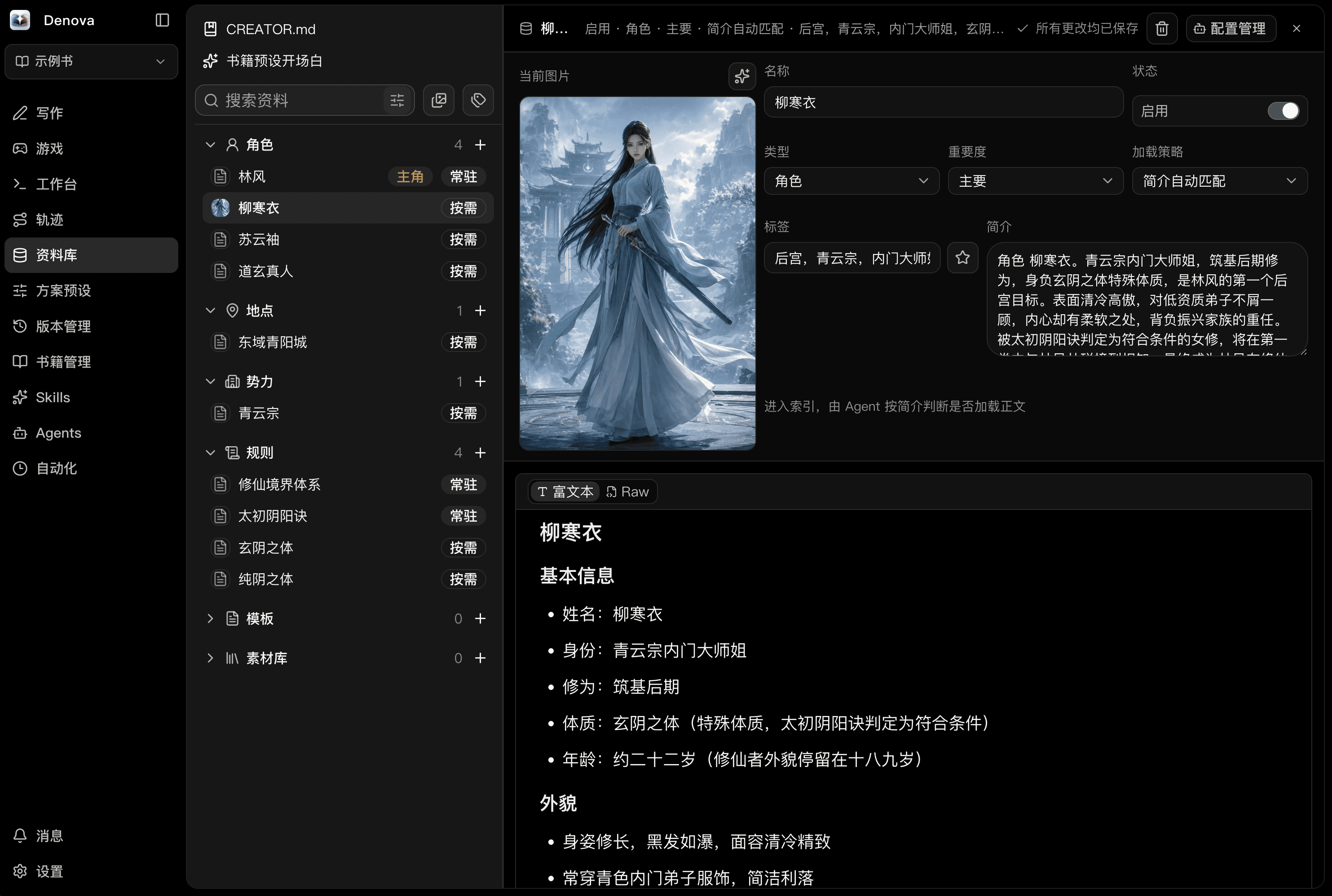
Write fiction and organize characters and lore on your own device, or start an AI role-playing game with a character card. Includes creative Agents, image creation, automation, and version history.
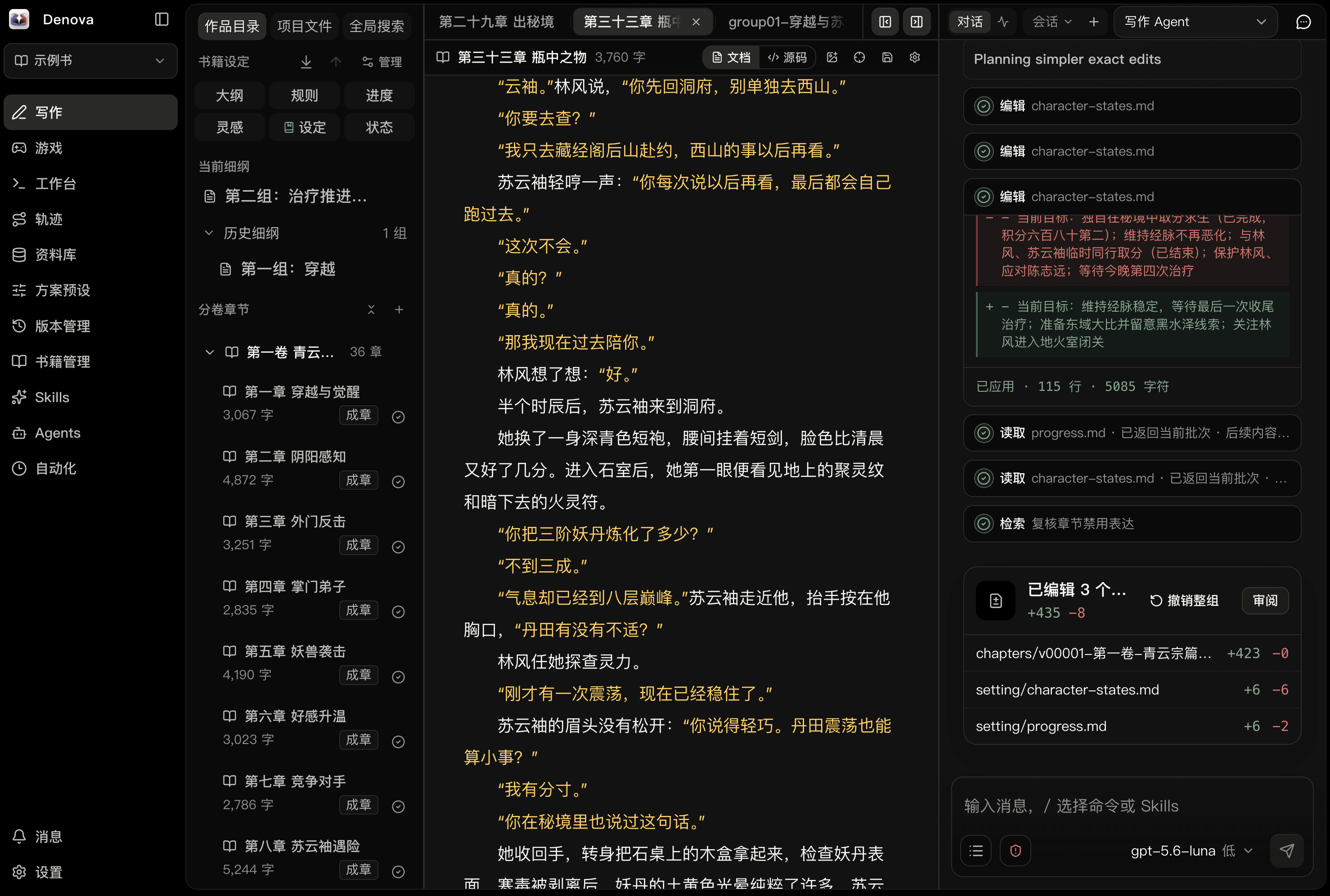
Writing and games share lore, creative presets, and Skills. Project files live on your own device, with changes you can inspect, undo, and restore.
Create or import a novel, edit Markdown, manage outlines and chapter plans, track writing progress, and add manuscript comments.
Choose Native, Codex, or Claude Code to work with selections, project files, images, and lore.
Reuse narrative styles, image styles, and rules. Extend Agent workflows with Skills.
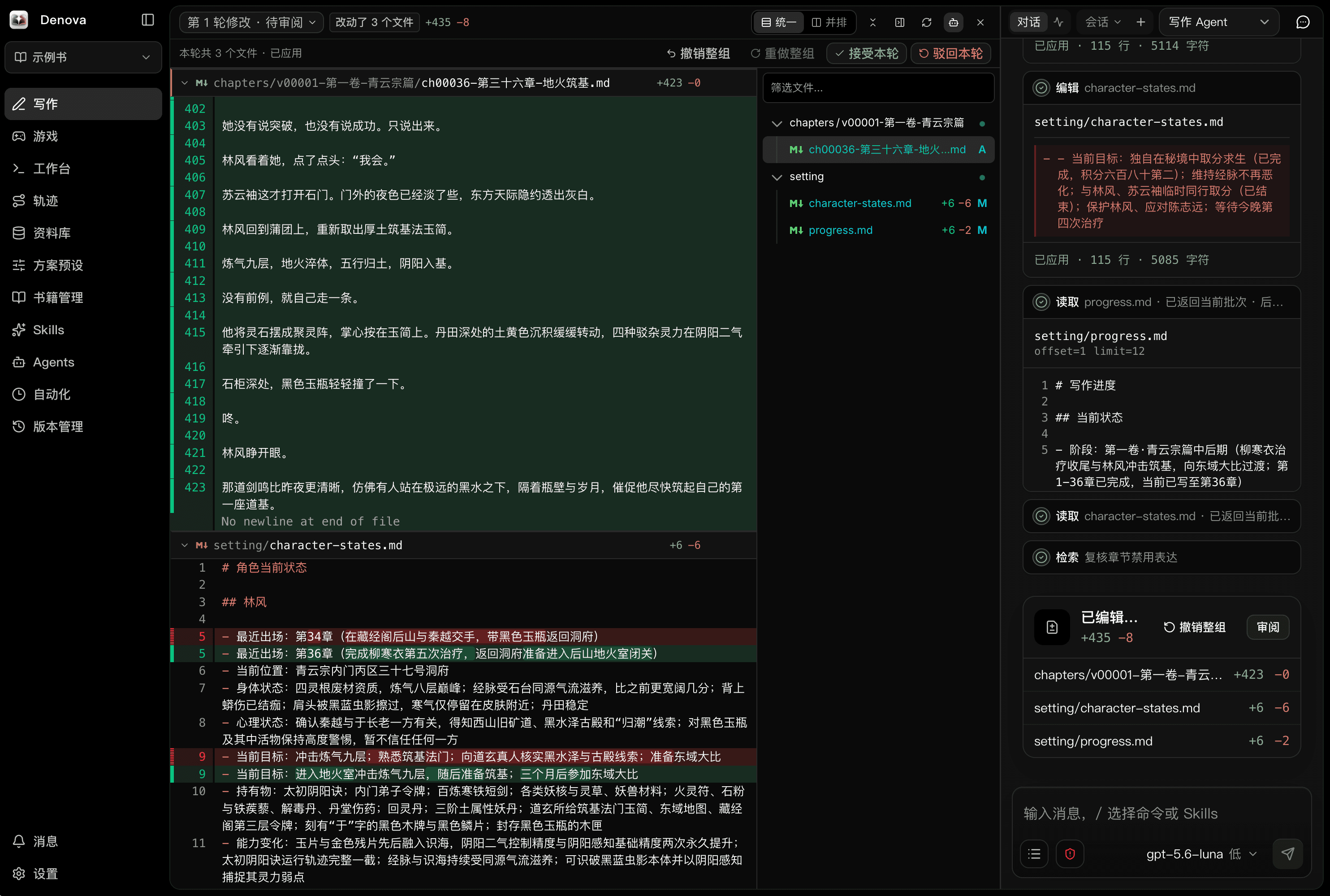
Save milestones, inspect file diffs, restore earlier content, and review or undo Agent edits.
Organize characters, places, rules, and media with custom categories, document-style indexes, @ references, and backlinks. Use the same lore for writing and games.
Use the built-in Native runtime, Codex, or Claude Code. Agents can continue writing, check lore, edit files, and handle project tasks in the workbench.
Install Codex or Claude Code on the device running Denova. The interface shows which operations each engine supports.
Import a character card and bring in lore, then advance the story through your actions. Supports branches, storyline switching, action suggestions, rule checks, character and world state, story planning, and read-aloud audio.
Read the story, track characters, and enter actions. Stage scenes with lore backgrounds and character sprites, saved with story branches.
Use these tools in the Denova app. Writing and games share assets and settings; the workbench handles project tasks and extension development.
Generate covers, chapter illustrations, backgrounds, and character art. Supports OpenAI, Grok, Seedream, Gemini Image, ComfyUI workflows, and custom endpoints.
Trigger reviews, writing, or custom tasks by schedule, chapter batch, or semantic condition, or run them manually. Keep the device hosting Denova running.
Preview and selectively import presets, Skills, lore, plugins, and games from GitHub or local ZIPs. Combine exports, track sources, review updates, and restore backups.
Plugins provide Agent tools, commands, and panels. Games define their own interface, gameplay, and saves. Create, build, preview, and export from the workbench.
Talk about writing and games on Discord. Share presets, show your work, or suggest improvements.
Open the official DiscordDownload the build for your system, configure a language model with the setup guide, and create or import a project. Configure an image model when you need image generation.
Chinese and English, light and dark themes, LAN access, and home-screen installation. Check for updates in the app or upload an update package. Check your downloaded version’s release notes for feature availability. Read release notes